Remote Email Log-In Instructions
Learn how to log into your email remotely here.
Looking to log into your City of Euclid outlook email account from home? Follow the instructions below to get logged in.
1. CLICK THIS LINK TO LOG IN (This is also available on the website homepage un "Employee Log In")
2. Enter your user name and password as prompted.
Eunet\Your User Name
password
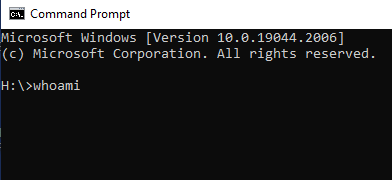
If you don’t know your User name you can open a Command Prompt on your work computer by doing the following:
- Click the START Bar
- Search "Command Prompt"
- Open the Command Prompt App - A black box will appear
- In the black box type "whoami" Your user name will appear.
- Use that user name to log into your email using the link above.

Families can make an appointment to pick up banners from Euclid City Hall until 12/15.
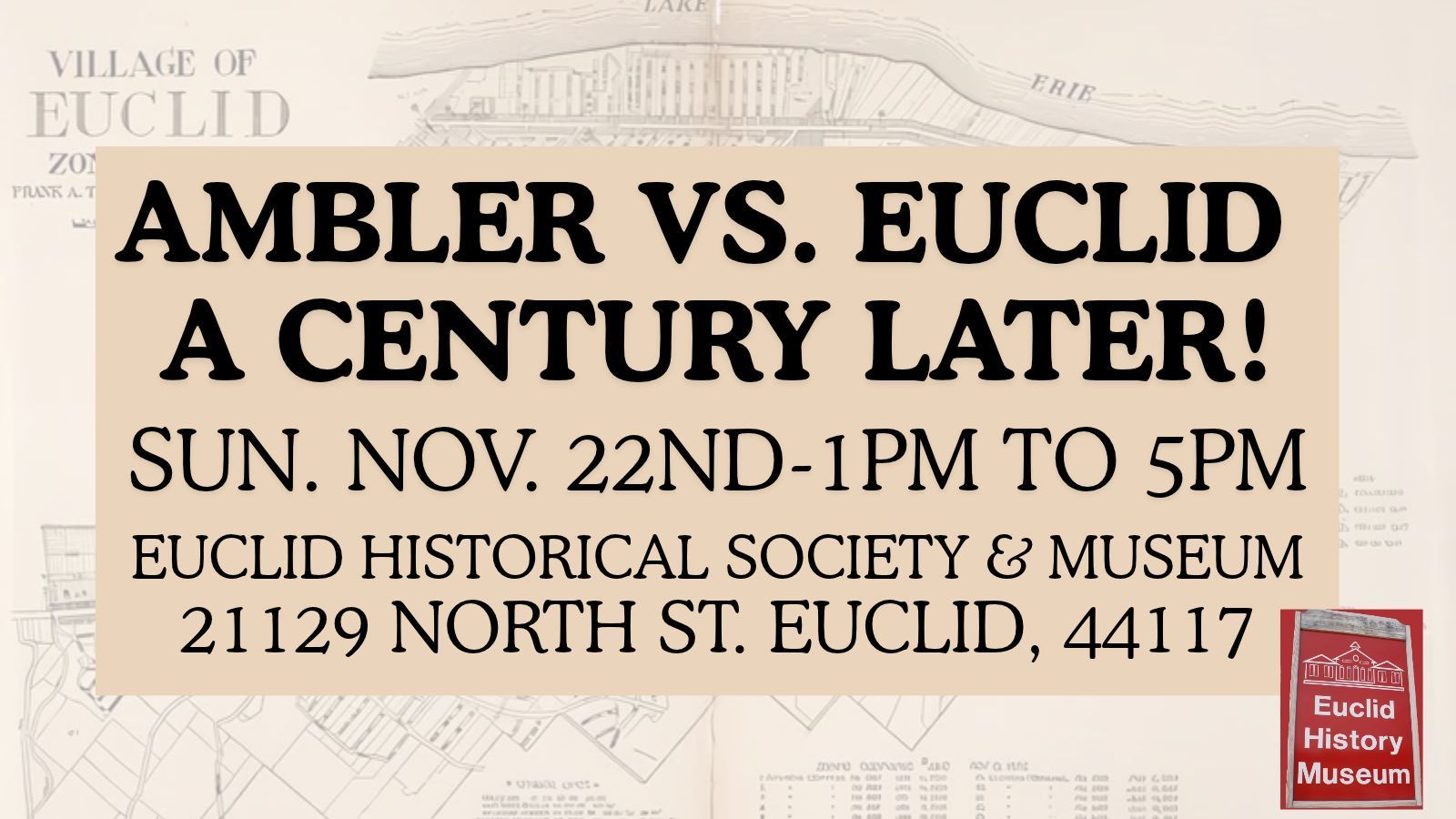
Join the Euclid Historical Society & Museum Sunday, 11/22 at 1pm to celebrate 100 years of zoning!

Join us at Shore Cultural Centre 6pm to 8:30pm for an evening of free family fun!

Your one-stop page for information about leaf pickup, and leaf truck locations.